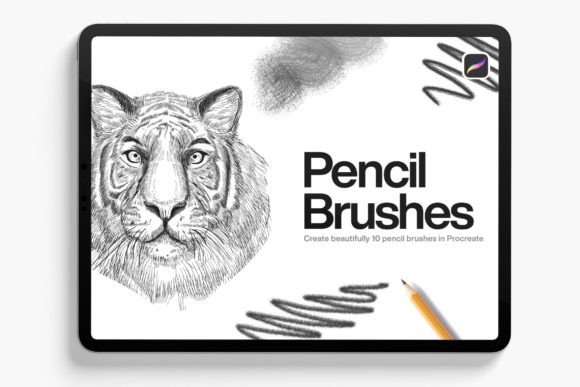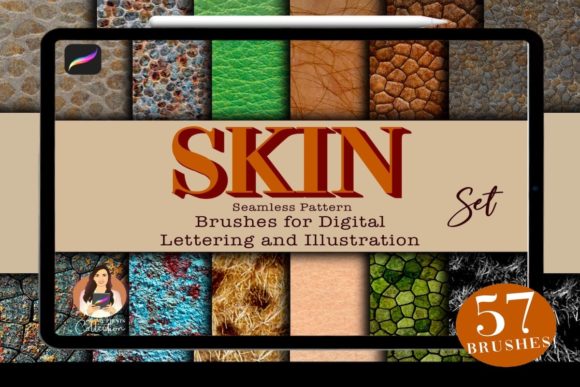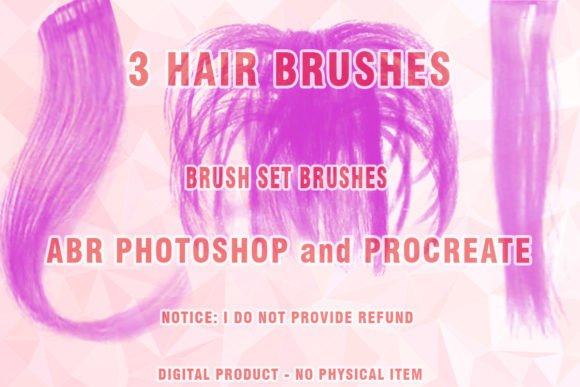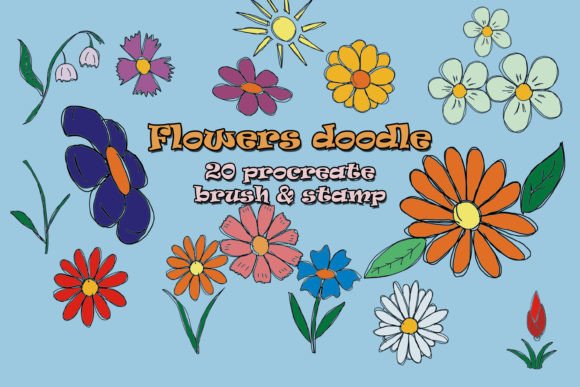
Procreate Grain and Texture Brushes
In the realm of digital illustration, the difference between a flat image and a captivating piece of art often lies in the subtle imperfections that mimic the physical world. Integrating Procreate Grain and Texture Brushes into your design workflow allows you to break away from sterile, vector-like perfection and inject soul, depth, and tactile realism into your creative projects. For graphic designers, illustrators, and brand strategists, these tools are not merely decorative; they are essential for establishing visual hierarchy and creating memorable brand identities.
Elevating Visual Design with Tactile Depth
Modern aesthetics in graphic design increasingly favor organic, hand-crafted elements over rigid, computer-generated lines. This shift is driven by a desire for authenticity in digital marketing and social media graphics, where users crave connection. By utilizing high-quality texture brushes, you can simulate the look of charcoal, paper grain, ink bleed, or rough canvas. This adds a layer of sophistication to logo design, editorial layouts, and packaging design, making the final output feel curated and premium.
When applied correctly, textures guide the viewer’s eye and enhance readability without overwhelming the composition. They provide a backdrop that supports typography and color palettes, ensuring that your message stands out while maintaining a cohesive visual language. Whether you are working on UI design concepts or print design materials, the strategic use of grain can soften harsh edges and create a more inviting user experience.
Practical Applications Across Industries
The versatility of these brushes extends far beyond simple illustration. Here is how professional creators are leveraging them to enhance various aspects of visual communication:
- Branding and Logo Design: Adding subtle distress or grain to logotypes can evoke nostalgia or artisanal quality, perfect for lifestyle brands and boutique businesses.
- Social Media Graphics: Textured backgrounds stop the scroll by adding visual interest to static posts, stories, and advertisements.
- Packaging Design: Simulating material textures helps clients visualize how a design will look on physical products, from cardboard boxes to fabric labels.
- Editorial and Web Design: Grain overlays can unify disparate images in a layout, creating a consistent mood across magazines, blogs, and landing pages.
- Digital Products and Merchandise: Unique textures add value to printable art, phone cases, and apparel designs, distinguishing them from generic stock assets.
Streamlining Your Creative Workflow
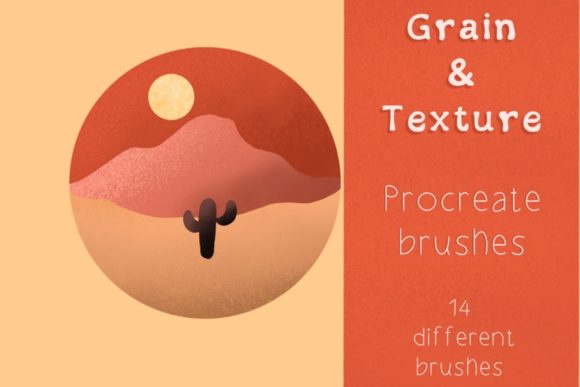
Efficiency is paramount in professional design environments. The installation process for this specific set of Procreate Grain and Texture Brushes is designed to be seamless, allowing you to focus on creation rather than technical troubleshooting. Upon purchase, you receive a compressed zip file containing 14 distinct brushes, each crafted to offer a unique look and feel.
To get started, simply unzip the file on your device. Next, transfer the unzipped file to your tablet. When you click on the file, it will automatically import into your Procreate app, ready for immediate use. It is important to note that these brushes are exclusively compatible with the Procreate app, ensuring optimized performance and pressure sensitivity for iPad users. This straightforward integration supports a smooth design workflow, letting you jump straight into experimenting with different styles.
Tips for Effective Usage
To maximize the impact of these creative assets, consider the following best practices:
- Maintain Consistency: Choose one or two texture styles per project to ensure your brand identity remains coherent across all touchpoints.
- Respect Visual Hierarchy: Use lighter grain for backgrounds and heavier textures for accent elements to avoid cluttering the composition.
- Check Scalability: Ensure that textures remain effective when scaled down for mobile screens or up for large-format print design.
- Balance with Typography: Pair textured elements with clean, legible fonts to maintain readability and professional presentation.
Remember, these brushes are licensed for personal and professional creative use within your projects. However, it is strictly prohibited to resell or redistribute the brush files themselves. Respecting intellectual property rights ensures that designers continue to produce high-quality, original tools for the community.
If you have any questions regarding installation or usage, feel free to reach out via text. Support is readily available to ensure you get the most out of your purchase. Ultimately, the goal is to empower you to explore new design trends and push the boundaries of your creativity. Have fun being creative, and let these tools help you craft visuals that resonate deeply with your audience. Kind regards, Resi.