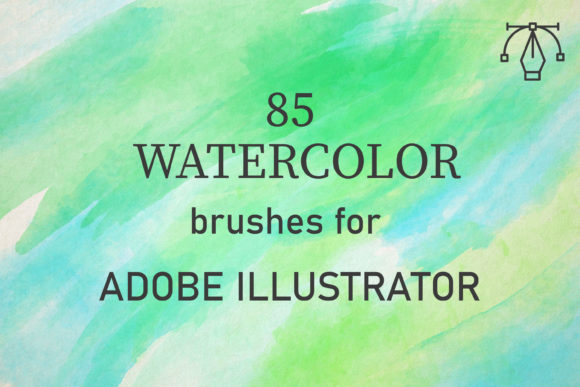
85 Watercolor Brushes for Illustrator
Digital design often struggles to capture the organic, unpredictable beauty of traditional media. While vector graphics are prized for their clean lines and scalability, they can sometimes feel sterile or too perfect. This is where 85 Watercolor Brushes for Illustrator bridge the gap. These tools allow designers to infuse their digital work with the soft edges, textured washes, and fluid movement characteristic of real paint. Whether you are a seasoned graphic designer or a hobbyist exploring digital art for the first time, this collection offers a straightforward way to add warmth and artistic depth to your projects without needing physical supplies.
Bringing Traditional Texture to Vector Design
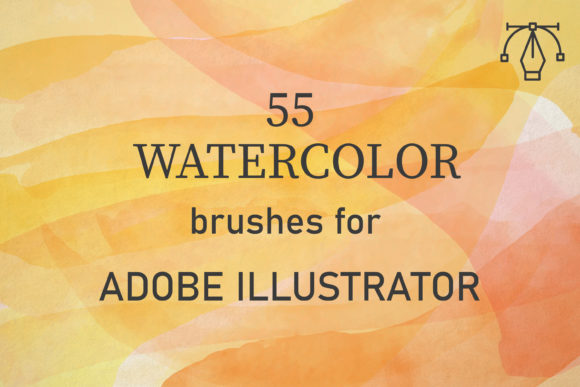
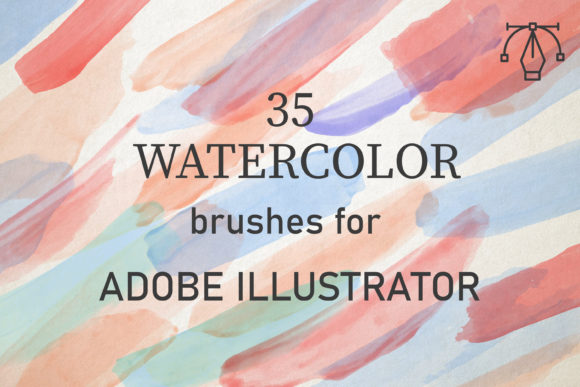
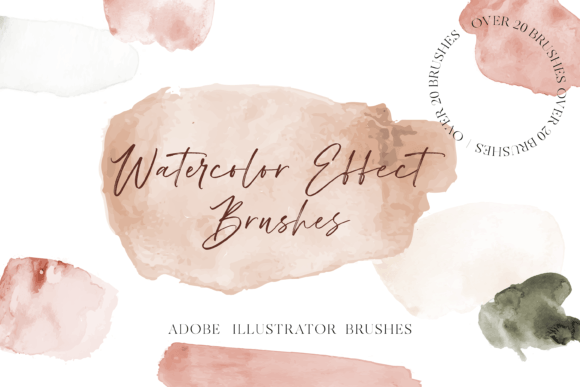
The core appeal of this brush set lies in its authenticity. Unlike standard digital brushes that simply mimic the shape of a stroke, these 85 unique vector watercolor brushes are created from reality watercolor scans. This means every splatter, bleed, and grainy texture you see on screen is derived from actual paint applied to paper. The result is a library that perfectly conveys the texture of paints, offering a level of realism that is difficult to achieve with synthetic algorithms alone.
For users working in Adobe Illustrator CC and above, compatibility is seamless across both PC and Mac platforms. This accessibility ensures that regardless of your hardware preference, you can integrate these assets into your workflow immediately. The brushes are not just static images; they are dynamic vector tools. This allows you to scale your artwork to any size—from a small business card to a large billboard—without losing the intricate details of the watercolor grain. This scalability is a significant advantage over raster-based watercolor textures, which can become pixelated when enlarged.
How to Achieve Realistic Watercolor Effects
One of the most common misconceptions about digital watercolor is that it requires complex technical skills. In truth, using this pack is amazingly easy. The key to unlocking the full potential of these brushes lies in understanding how real watercolors behave. Traditional watercolor painting relies on building up layers of washes to create tone and depth. You can replicate this process digitally with just a few simple adjustments.
To get started, select any brush from the set and begin painting your initial layer. To create depth, do not rely on a single stroke. Instead, overlap your strokes slightly. As you add more layers, change the opacity of your brush tool. Lowering the opacity allows underlying layers to show through, mimicking the transparency of water-based paints. Furthermore, adjusting the blend mode is crucial. Setting the blend mode to Multiply or Darken ensures that overlapping colors deepen naturally, just as wet paint would on paper. This technique allows you to build rich, complex tones while maintaining the light, airy feel typical of watercolor art.
Versatile Applications for Creators and Businesses
The versatility of 85 Watercolor Brushes for Illustrator makes them suitable for a wide range of design contexts. Because the pack includes 85 distinct variations, you are not limited to a single style. You can find brushes suited for soft, romantic backgrounds or bold, expressive splashes.
- Wedding and Event Stationery: Create elegant invitations, save-the-dates, and menu cards. The soft textures add a touch of sophistication and personalization that couples often seek.
- Brand Identity and Packaging: Small business owners, particularly in the beauty, wellness, or artisan food sectors, can use these brushes to create organic, handcrafted labels that stand out on shelves.
- Social Media Content: Bloggers and marketers can design eye-catching backgrounds for Instagram posts or Pinterest pins. The unique textures help break the monotony of flat digital designs.
- Educational Materials: Teachers and educators can create engaging worksheets, flashcards, and presentation slides that feel friendly and approachable for students.
By using these brushes, you can easily create any watercolor background and use it on many design projects. The ability to customize color and opacity means you can align the artwork strictly with brand guidelines or personal aesthetic preferences.
Why Choose Vector Watercolor Over Raster?
When considering digital art tools, it is important to understand the difference between vector and raster formats. Raster images (like JPEGs or PNGs) are made of pixels. If you zoom in too much or print them at a large size, they lose quality. Vector files, however, are based on mathematical paths. The AI files included in this pack ensure that your watercolor textures remain crisp and clear at any resolution.
This is particularly valuable for professional printers. If you are designing a large poster or a banner, vector watercolor elements will print sharply without any blurriness. Additionally, because these are vector brushes, you can edit individual anchor points if needed. This gives you complete control over the shape and flow of each stroke, allowing for precise adjustments that are impossible with static image overlays.
Getting Started: What Is Included
Upon purchasing, you will receive a total of 1 zipped file containing an AI set. Inside, you will find the AI files that include one set of 85 brushes. Installation is straightforward. Simply open the AI file in Adobe Illustrator, and the brushes will be available in your Brush panel. From there, you can drag and drop them into your own documents or save them as a library for future use.
Before diving in, consider organizing your workspace. Since there are 85 options, it may help to test a few favorites and save them to a custom group. This saves time during active design sessions. Also, remember that experimentation is part of the process. Try combining different brushes within the same piece. A rough, dry brush stroke might look excellent next to a wet, bleeding wash, creating contrast and visual interest.
Maximizing Creative Potential
These brushes are both well-made and full of creative potential. They not only look great but also encourage a playful approach to design. Do not be afraid to make mistakes. One of the beauties of digital watercolor is the ability to undo and retry instantly. Use this freedom to explore different color combinations and layering techniques.
For beginners, start with simple shapes. Try painting a single leaf or a basic geometric shape using the watercolor brushes. Observe how the texture interacts with the edges. As you gain confidence, move on to complex compositions like landscapes or abstract backgrounds. The goal is to enjoy yourself with brushes that facilitate creativity rather than hinder it with technical complexity.
In conclusion, 85 Watercolor Brushes for Illustrator offer a powerful solution for designers seeking to add organic texture to their digital toolkit. With their realistic appearance, ease of use, and vector flexibility, they support a wide array of creative and commercial projects. By mastering simple techniques like layering and blend modes, you can produce professional-quality watercolor art that resonates with audiences and elevates your design work.